telegram Telegram whatsapp Whatsapp

Download the Official Winbox App

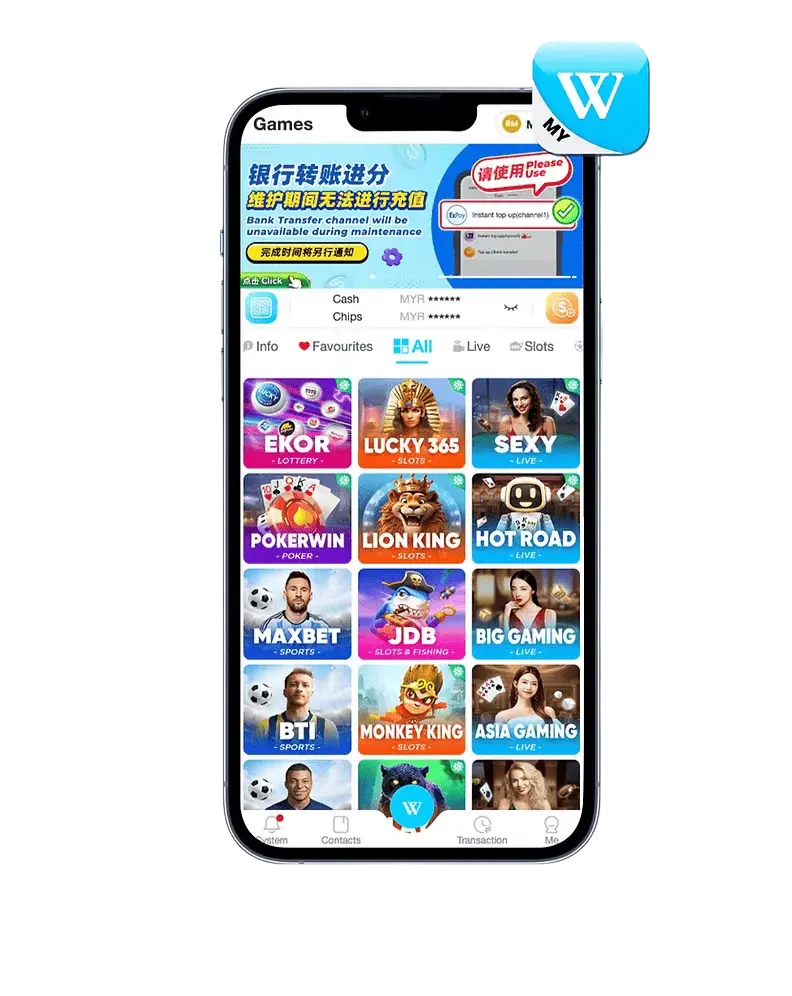
Experience the convenience of Winbox Malaysia, your trusted platform for secure and rewarding online access. The Winbox app is designed for speed, reliability, and an enhanced user experience — whether you’re using Android or iOS.

How to Download and Install the Winbox App (Android)

App Information

Follow these simple steps to get started with the official Winbox Malaysia app:

  1. Visit the official Winbox Malaysia website using your mobile browser.

  2. Tap the “Android Download” button — this will redirect you to the official Winbox app page on Google Play Store.

  3. In Google Play, tap “Install” to begin downloading the app.

  4. Wait for the installation to finish.

  5. Once installed, open the Winbox app from your home screen.

  6. Log in with your existing Winbox account or create a new one to start enjoying secure, fast, and reliable mobile access.

How to Download and Install the Winbox App (IOS)

App Information

Follow these simple steps to install the Winbox Malaysia app on your iPhone or iPad:

    1. Visit the official Winbox Malaysia website using your Safari browser.

    2. Tap the “iOS Download” button — this will redirect you to the official Winbox app page on the Apple App Store.

    3. In the App Store, tap “Get” or “Install.”

    4. Wait for the installation to complete.

    5. Once installed, open the Winbox app from your home screen.

    6. Sign in to your existing Winbox account or create a new one to start using the app securely and conveniently.

Alternative Access via Website

If you prefer not to use the Winbox app, you can still access your account directly through the Winbox Malaysia website.

Tip: Always download from the official Winbox website to ensure security and authenticity.

Is the Winbox app free to download?

Yes. The Winbox Malaysia app is completely free to download from the official website, Google Play Store, or Apple App Store.

Is it safe to download Winbox from the website?

Absolutely. As long as you download from the official Winbox Malaysia website, you’re getting the verified and secure version of the app.

Why can’t I install the Winbox app on my device?

Check your internet connection, available storage space, or device compatibility. For Android, make sure you’re downloading via Google Play Store. For iOS, ensure you’re using the App Store.

How do I update the Winbox app?

Updates are released through the Google Play Store and App Store. Simply open the store, search “Winbox Malaysia”, and tap “Update” if a newer version is available.